The journal
The office Wi-Fi, and why visitors get a network of their own
Why Wi-Fi drops in the back room, what the walls of an old building do, why visitors and printers are kept apart from work computers, and who runs new cable.
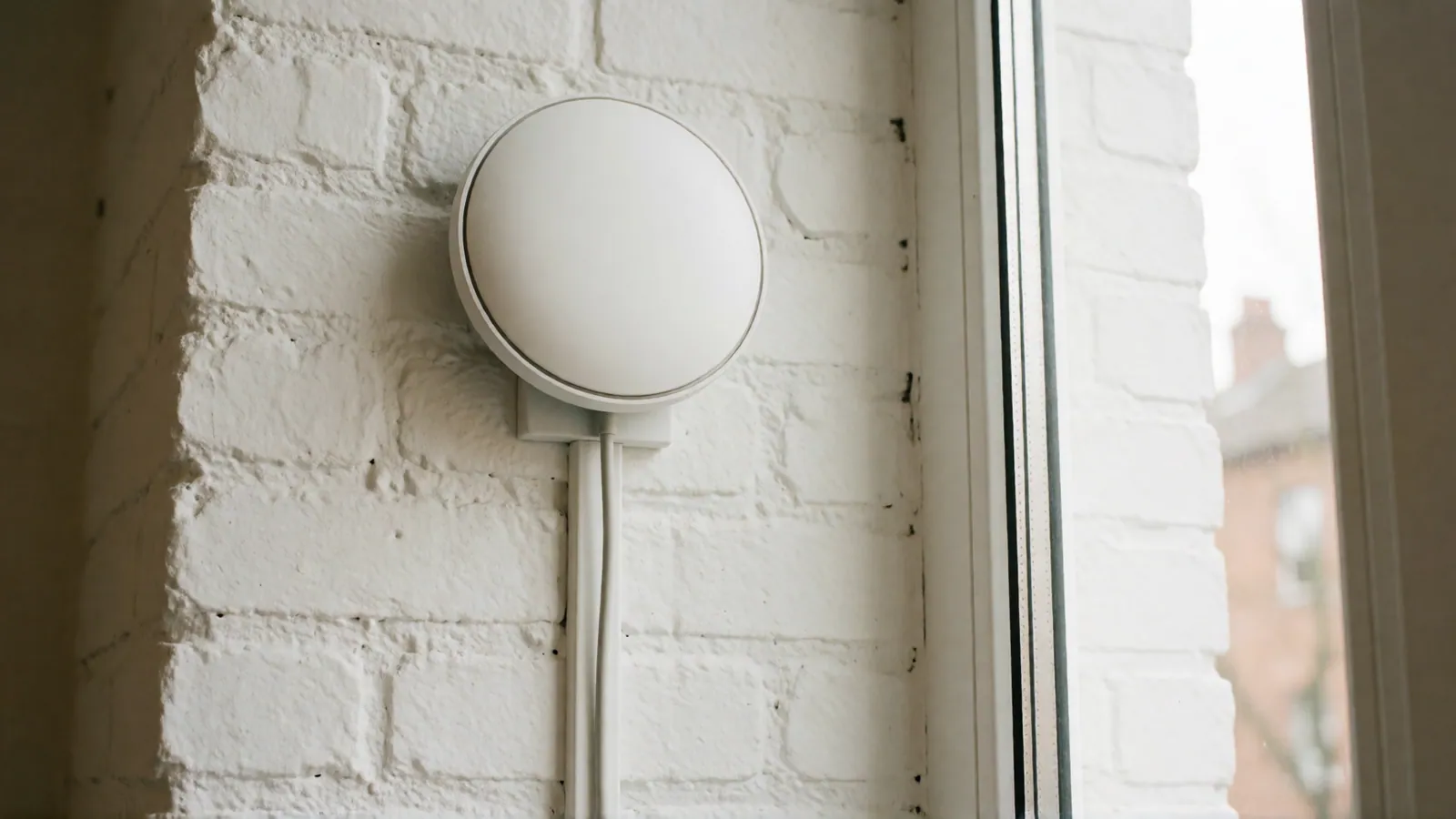
AI-generated illustration. Not a real office or business.
Why the back room drops
Wi-Fi that drops, or one network shared with visitors, usually comes down to where the access points are and how the office network is divided.
Often the office Wi-Fi is simply the box the internet company left, sitting in whichever corner the line came in. The front room is fine. Two walls later it struggles, and the meeting room at the back drops video calls halfway through.
Older buildings in Queens are hard on radio. Brick, plaster on metal mesh, radiators, filing cabinets and the mirror behind the reception desk all soak up or bounce the signal. A strong signal beside the box says nothing about the far end of the office, and a booster plugged into a hallway socket tends to repeat a weak signal rather than mend it.
The usual answer is more than one access point, each a small disc on the ceiling, placed where people actually work and wired back to a switch in the closet, all sharing one network name so a laptop moves between them without anybody noticing.
Walk the office first
Hana walks an office with the Wi-Fi before she moves an access point. The first look we would take is the same: “A walk through the office with the Wi-Fi, room by room.”
The walk is done with a device that measures the signal, noting where it weakens, where neighbors' networks crowd the same channels, and where people sit for most of the day. Only then is anything moved or added, and the closet gets a look at the same time.
Why visitors get their own network
A visitor's phone or laptop is a stranger's computer. On the office network it can see what the office computers can see: the printers, the shared folders, the storage box in the closet, sometimes the computers themselves. Nobody has to mean any harm for that to matter, because a laptop that picked up something unpleasant somewhere else carries it in with it.
A guest network goes to the internet and nowhere else. Clients in the waiting room, a delivery driver, the accountant who comes in at the end of the year: all of them get Wi-Fi, and none of them can reach anything that belongs to the business. Its password can be printed on a card at reception and changed now and then without touching the network the work computers use.
Hana gives visitors a network of their own.
And one for everything that is not a work computer
The second thing worth setting up: “A separate network for visitors, and one for anything that is not a work computer.”
Printers, the television in the meeting room, the thermostat, the coffee machine that wants Wi-Fi: devices like these are seldom updated and hard to look after, so they get a network of their own, where they can do their job without being able to reach the computers that hold the business's work.
Installing or servicing security cameras, door-entry systems or alarms in New York needs a license from the Department of State. We don't do it. If you need cameras, a licensed installer puts them in, and we can give them a network of their own, apart from your work computers.
The box your internet company left
And the third: “The box your internet company left, and what sits behind it.”
Behind that box sits whatever has been added over the years: a second router somebody bought, a switch under a desk, an access point a former employee put up. Each one has an administrator password, and in an office where nobody has looked, some may still be the ones printed on the label. A firewall the business owns, set up to keep the networks apart, replaces the guesswork with something written down.
Cable, and who may run it
A desk that never moves is better on a cable than on Wi-Fi, and an access point on the ceiling is at its strongest with a cable back to the closet. So better Wi-Fi often begins with a question about cable.
In New York City, data cable that runs below fifty volts may be put in by a qualified person without a permit. Cable that also powers an access point or a phone may run above that line, and a new outlet or anything joined to a fire alarm or a door release is a licensed electrician's work, so this company treats every new run as an electrician's job. We set up access points, switches and firewalls on cable that is already there, and new cable is run by a licensed electrician, named on the written price.
That is why a new access point sometimes means an electrician's visit before ours, and why the written price for the work names the electrician.
The IT health check
Try the IT health check: ten questions about how your office works, the areas worth talking about and the plans at their published prices, in about two minutes. Sending it to us books nothing.