The first conversation costs nothing, and you don't have to sign anything after it.
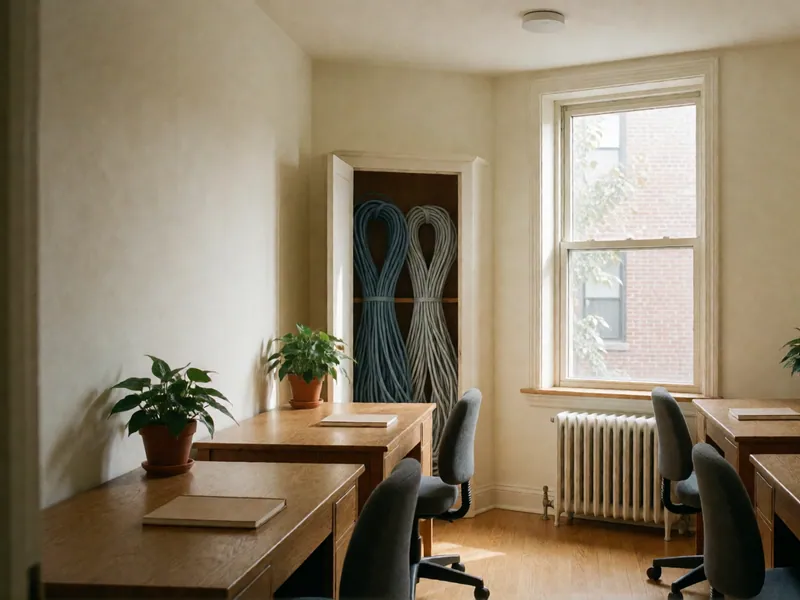
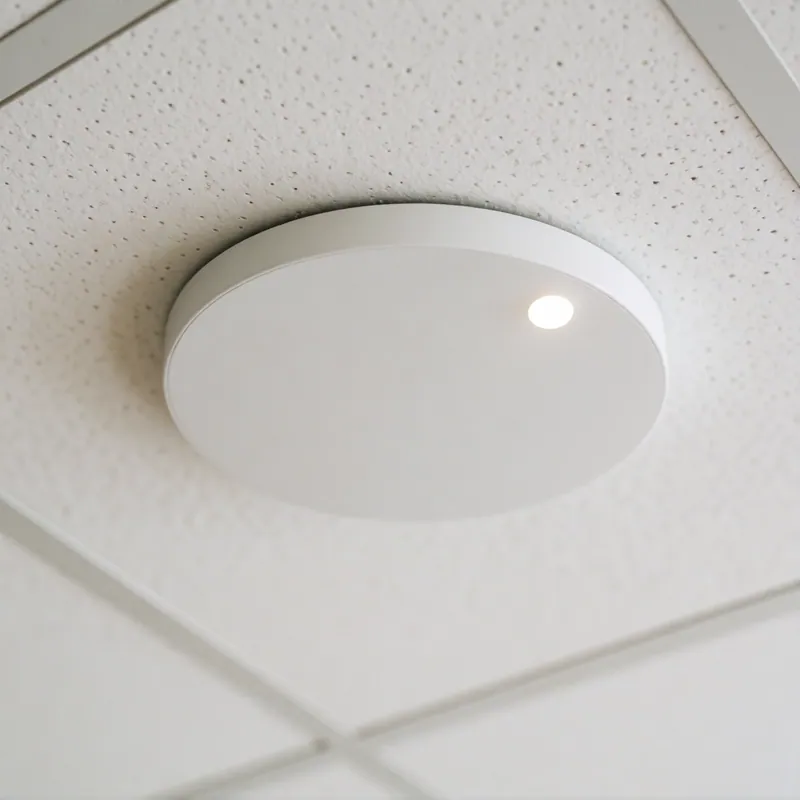
Looking up at a white drop ceiling: a round white disc fixed to one tile, a thin gray cable running from the grid down to the wall, the edge of a window at the right.

The office

The office network and Wi-Fi, with visitors on a network of their own

The firewall, the switches and the access points looked after, the Wi-Fi walked room by room, and visitors kept on a network of their own.

  • $155 a person a month, before tax on its protection line
  • Monday to Friday, 8 am to 6 pm

AI-generated illustration. Not a real office or business.

What is in the closet

Every office network starts at the box the internet company left. Behind it, in a well-kept office, sit a firewall that decides what may come in and go out, one or more switches that the wired desks and printers plug into, and the access points, the flat discs on the ceiling or high on a wall that carry the Wi-Fi. In many small offices the internet company's box is doing all of those jobs at once from a shelf in the corner, and that is often where the Wi-Fi complaints begin.

Looking after the network means keeping the firewall's own software up to date, knowing what every cable in the closet is for, writing down how it is all set up, and noticing when a piece of equipment its maker no longer updates needs replacing.

  • Visitors on their own network.
  • New cable by a licensed electrician.

Why the Wi-Fi drops in the back room

Wi-Fi is radio, and older Queens buildings are hard on it. Brick, plaster on metal lath, cast-iron radiators and a stairwell between rooms all soak up signal, and a single strong router in the front office often cannot reach the back. Turning it up rarely helps: the laptops and phones still have to answer, and they are no louder than before.

The answer is usually more, smaller access points in the right places, each covering a few rooms and wired back to the switch. Where they go is decided by walking the office with a meter, room by room, to see where the signal falls away and where the neighbors' networks crowd the same channels.

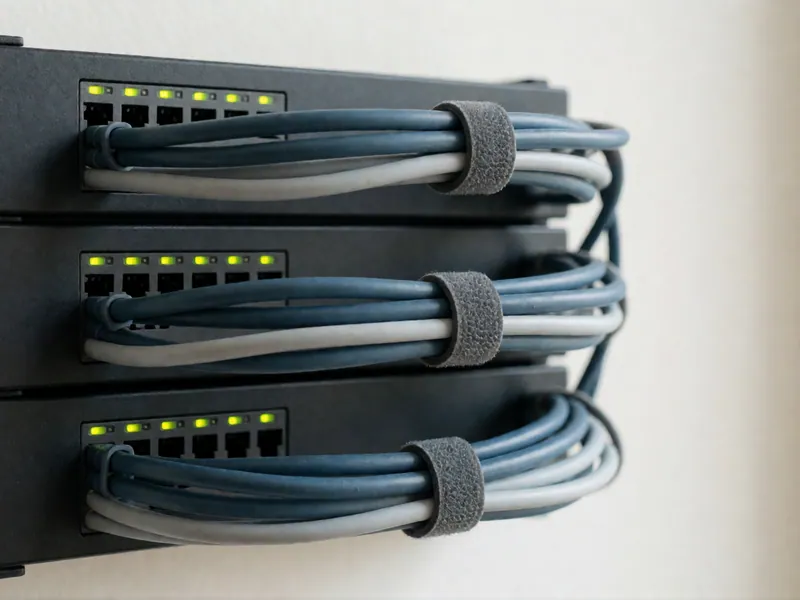
Close on a round white disc fixed to a speckled ceiling tile, one small soft white light near its edge.AI-generated illustration. Not a real office or business.

What we would look at first

The office network and Wi-Fi

Wi-Fi that drops, or one network shared with visitors, usually comes down to where the access points are and how the office network is divided.

What we would look at first

  • A walk through the office with the Wi-Fi, room by room.
  • A separate network for visitors, and one for anything that is not a work computer.
  • The box your internet company left, and what sits behind it.
Visitors on a network of their own

A guest network gives visitors, clients and patients the internet and nothing else. It has its own name and its own password, changed from time to time and printable on a card at the front desk without giving anything away. Devices on it cannot see the work computers, the printers or each other.

The same idea applies to everything in an office that is not a work computer: the television in the meeting room, the thermostat, the card terminal, the building's own equipment. Each kind is kept on a network of its own, so that a gadget nobody updates is not sitting beside the computers that hold client files.

Security cameras are the clearest case.

Installing or servicing security cameras, door-entry systems or alarms in New York needs a license from the Department of State. We don't do it. If you need cameras, a licensed installer puts them in, and we can give them a network of their own, apart from your work computers.

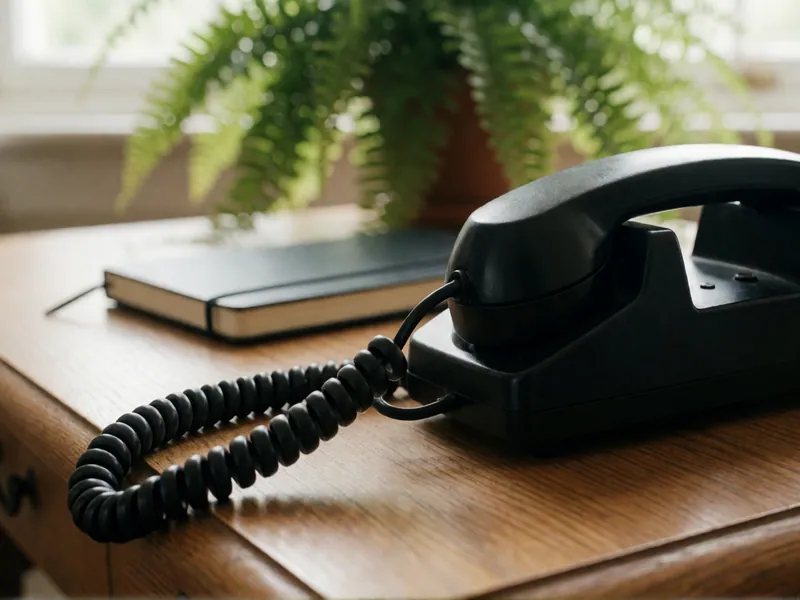
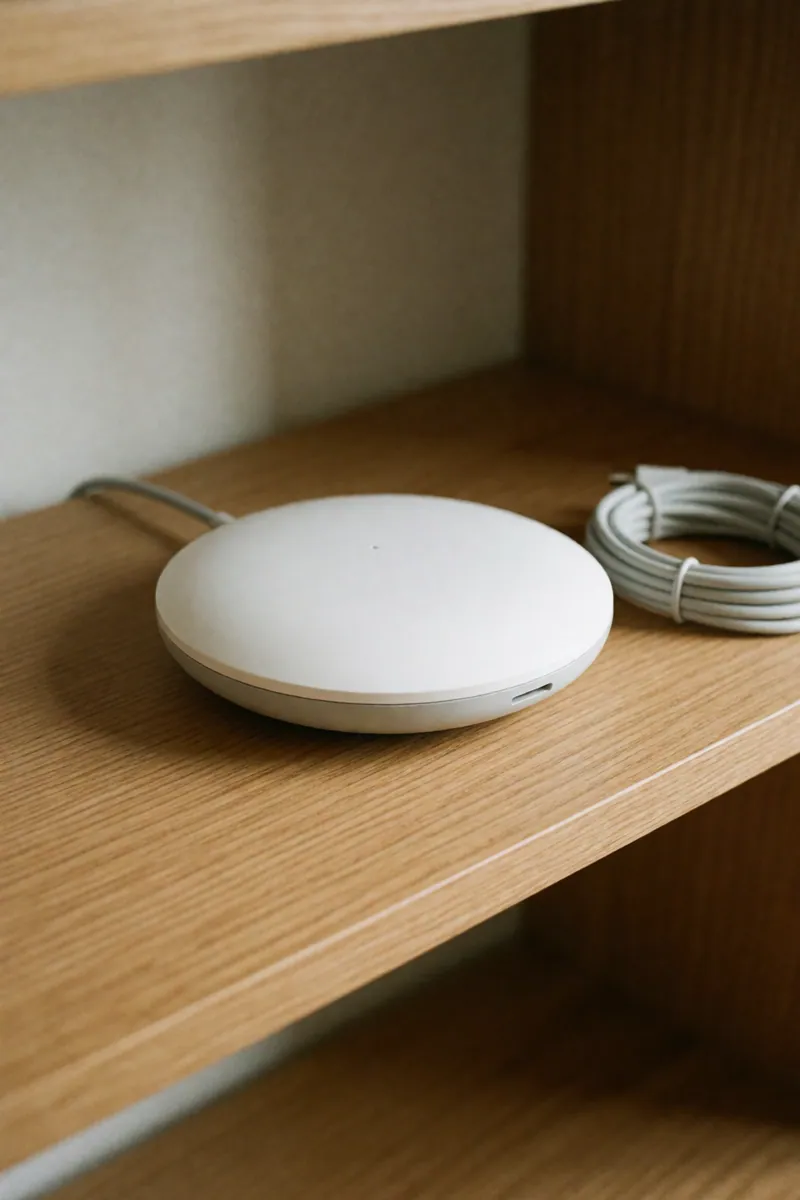
A round white domed access point with a small port on its rim and a gray cable, a coiled gray cable beside it on an oak shelf.AI-generated illustration. Not a real office or business.

Hana Petrakis-Obi

Networks, Wi-Fi and phones

Looks after firewalls, switches, the Wi-Fi and the desk phones.

Hana walks an office with the Wi-Fi before she moves an access point.

Hana gives visitors a network of their own.

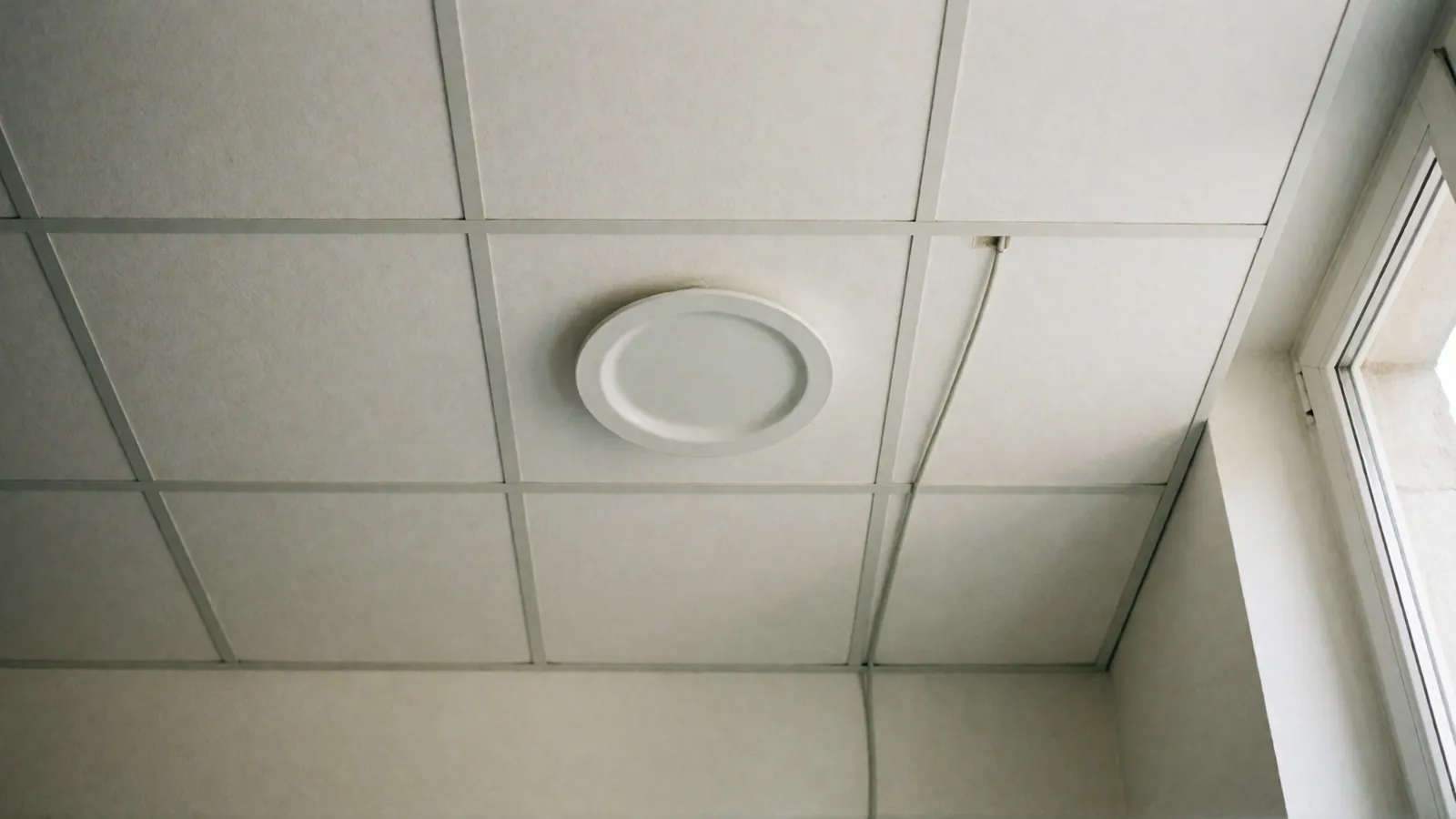
The picture is a still of this person's desk or tools, not a portrait.

The way in from outside, and the printers

A firewall's other job is deciding who may reach the office from outside. People who work from home or on the road come in through one way the firewall controls, with the second sign-in step on it; old ways in that were opened years ago for one person, one vendor or one weekend are found during onboarding and closed.

Printers and scanners are the part of the network people notice most. A copier that scans to e-mail stops the day the mail settings change, and a printer that moves to a new address drops off every computer at once. So each one is given a fixed place on the network and written down with the rest, and a mail or network change includes the copier on its checklist.

Everything in the closet is labeled and recorded: which port feeds which desk, which box does what, how the firewall is set up and where its settings are kept. That record belongs to your office, and it is handed over with everything else if you ever leave us.

New cable, and who runs it

An access point in the wrong place can usually be moved along cable that is already in the walls. A new one in a room with no cable needs a run, and that changes who does the work.

In New York City, data cable that runs below fifty volts may be put in by a qualified person without a permit. Cable that also powers an access point or a phone may run above that line, and a new outlet or anything joined to a fire alarm or a door release is a licensed electrician's work, so this company treats every new run as an electrician's job. We set up access points, switches and firewalls on cable that is already there, and new cable is run by a licensed electrician, named on the written price.

On the plans

Managed and Managed + Security include it, in the plan's own words: the firewall, the switches and the Wi-Fi looked after. New access points, a new firewall or a rewired closet are projects, priced before they start.

The network looked after is the office's. People who work from home are helped over a remote connection.

A project, such as an office move or a move to Microsoft 365, is priced in writing before it starts, at $165 an hour, and the written price says which parts are taxed.

Visits are made to business premises: offices, practices and shops. People who work from home get help over a remote connection, and any equipment is sent to them; nobody from this company works inside a home, because networking work at a home of up to four households is home improvement work in New York City.

Related services

The IT health check

Try the IT health check: ten questions about how your office works, the areas worth talking about and the plans at their published prices, in about two minutes. Sending it to us books nothing.