The first conversation costs nothing, and you don't have to sign anything after it.
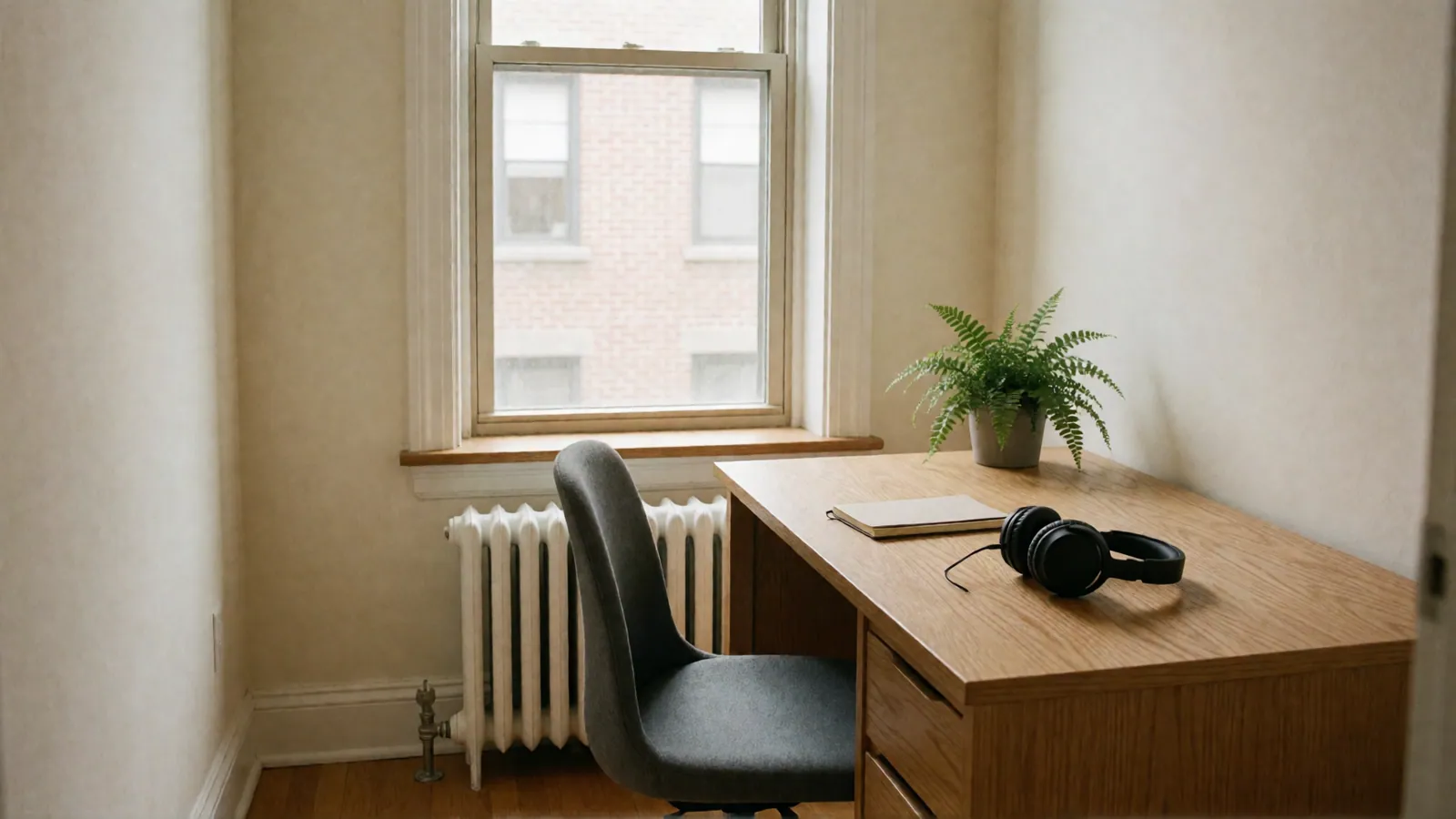
An oak desk with a closed notebook, a black headset and a fern, a gray office chair pushed in, a white radiator under a sash window onto red brick.

About

New staff and leavers: the first morning ready, the last day closed

A new starter's accounts made before they arrive, and a leaver's access ended at the hour they go, with the mailbox and the files handed to the right person.

AI-generated illustration. Not a real office or business.

Before a new starter's first morning

A new person's first hour says a lot about an office. Accounts that are ready mean they spend it on the job rather than on hold with the help desk.

A move, or new people

A move or several new people is easiest when it is planned early: an internet order can take weeks, and a new starter's accounts should be ready on the first morning.

What we would look at first

  • The internet order and the cabling, before the walls close.
  • A checklist for each new starter and each leaver.
  • Which computers to buy, and when.

On the Managed plans this is written into the work: “A checklist done for every new starter and every leaver.”

Two bare hands and forearms wrapping a gray strap around a looped bundle of slate-blue and pale gray cables against a cream wall.AI-generated illustration. Not a real person, office or business.

The new-starter checklist, in plain words

What the help desk does, in the order it does it.

  1. The date, the role and the start time

    Told to the help desk ahead of the first morning, with what the person will do, so the accounts match the job rather than copying whoever sat at the desk before.

  2. Their account, in your business's subscription

    Made in Microsoft 365 or Google Workspace under the business's own account, with a subscription the business buys for them, and added to the shared mailboxes, folders and groups the job needs, and nothing else.

  3. A computer that is ready

    With the management and protective software on it, its updates run, the printers it needs added, and nothing of the previous user's left on it.

  4. The second sign-in step, set up with them

    At their desk, with their phone in their hand, on the first morning, and with a spare way in recorded in case that phone is lost.

  5. Where to call, and what nobody will ask

    The help desk's number, the ticket form, and the one rule worth saying on the first day: nobody from the help desk will ask for their password.

When someone leaves

Most of a leaver's IT is a handful of decisions only the office can make. The help desk needs those decisions before the last day, not after it.

When someone leaves

  1. Tell the help desk the day and the hour someone leaves.

  2. Decide who takes over their mailbox and files.

  3. Collect their computer and phone on their last day.

  4. Change any password the office shared with them.

What the help desk does on the day

  • On the day and at the hour you gave, their sign-in stops working, and every phone and computer still signed in to their account is signed out.
  • Their mailbox goes to whoever you decided takes it over, or stays readable as a shared mailbox, and anything still arriving for them is pointed at a colleague.
  • Their files move to the person who takes over the work before anything is removed.
  • The computer is checked for anything kept only on it, then wiped and made ready for the next person.
  • Their subscription is freed for a new starter or stopped, and the headcount on the bill changes as the agreement says.

A plan is a written agreement for twelve months at a fixed fee per person. It does not renew by itself: a month before it ends we write to you, and it carries on only if you sign again. You can end it early with thirty days' written notice and no fee for leaving, and the bill follows your headcount from the next month.

One rule for starters and leavers alike

Nobody from this company will ask you for a password by e-mail, by telephone or through this website, and the health check never asks for one. During onboarding, administrator access is set up with you at the keyboard, in accounts that are yours.

A new person is the easiest target in an office: they do not yet know who usually calls, and they want to be helpful. A message on their first week that asks for a password or a sign-in code, however it is signed, is the message to forward to the help desk.

The IT health check

Try the IT health check: ten questions about how your office works, the areas worth talking about and the plans at their published prices, in about two minutes. Sending it to us books nothing.