The first conversation costs nothing, and you don't have to sign anything after it.
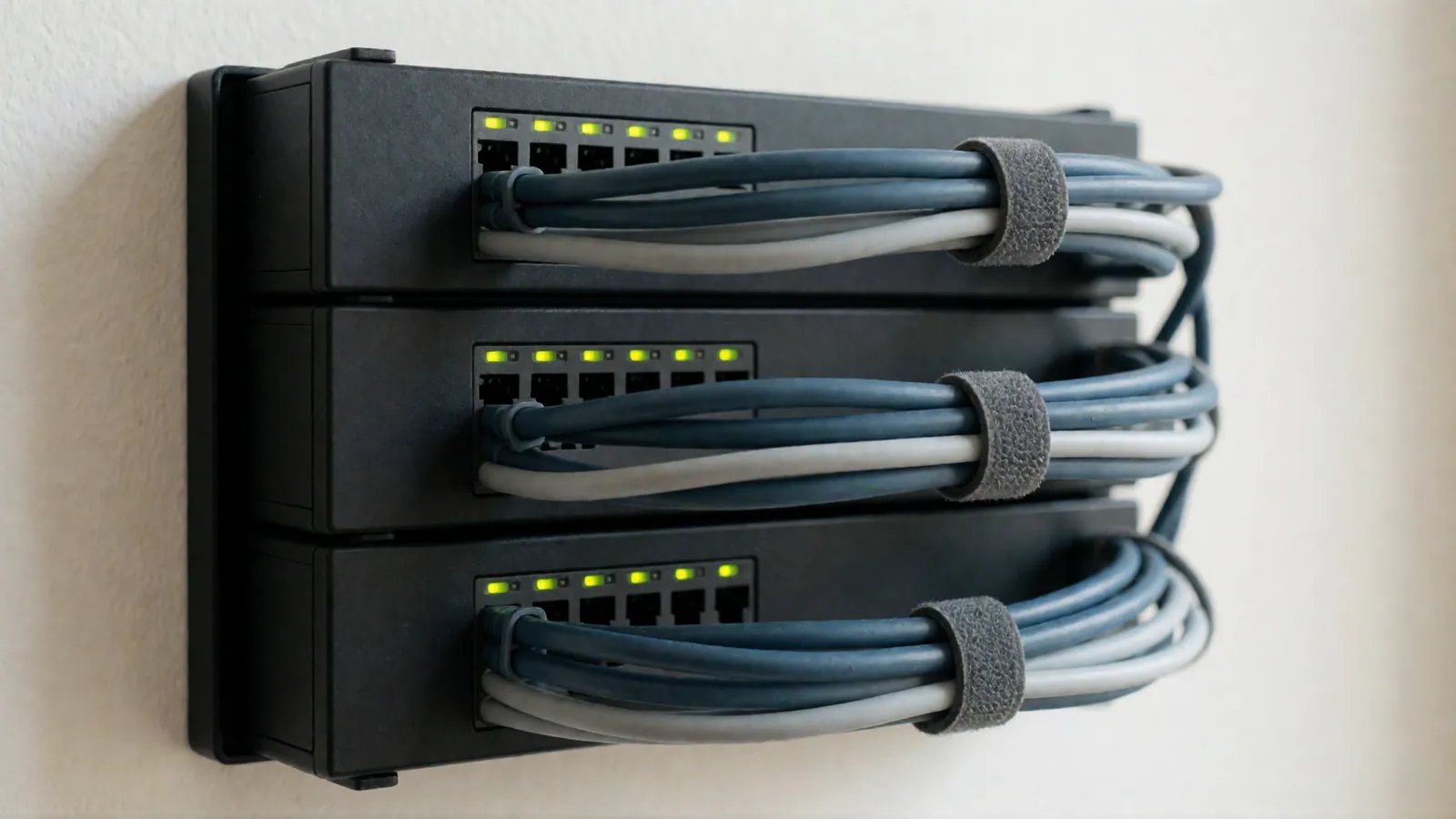
Close on three plain black units fixed to a wall plate, a row of small green lights on each, slate-blue and pale gray cables bundled with gray straps looping out to the right.

Security and backup

Security that makes an incident less likely and less damaging, described plainly

Protective software on each computer, a second sign-in step for everyone, updates, short training and backups that are tested, as layers that reduce risk.

  • $195 a person a month, before tax on its protection line
  • Reduces risk; never a promise.

AI-generated illustration. Not a real office or business.

Layers, and what each one is for

Security for a small office is not one product. It is a handful of ordinary habits, each of which makes one kind of trouble less likely or less damaging, layered so that when one fails the next is still there. None of them is exotic; the work is in setting them up carefully and keeping them up.

  • Layers, not a promise.
  • The protection taxed on its own line.
  • Protective software on each computer

    It watches what runs on the computer, quarantines what looks like known harmful software and reports it. On Managed + Security it is the kind that also watches for the signs of an attack in progress, and its alerts go to people who read them.

  • A second sign-in step

    A code or a prompt on a phone, as well as the password. A password that was guessed, reused from a leaked list or typed into a fake sign-in page is then not enough on its own, which takes away one of the usual ways into a small office's mail.

  • Updates on a schedule, and checked

    Makers fix weaknesses in Windows, macOS and the programs on them all the time. An update that was scheduled and then checked closes the weakness it was written for; a computer its maker no longer updates keeps every weakness found after that.

  • Short training, and the occasional practice e-mail

    People learn what a fake invoice, a fake delivery notice and a fake sign-in page look like, and what to do with one: report it rather than delete it quietly. The practice messages are there to teach, and nobody is named or embarrassed for clicking one.

  • E-mail filtering

    Messages are checked before they reach the inbox, and the obvious fakes and harmful attachments are held back. Filtering catches much and misses some, which is why the other layers exist.

  • Backups that have been tested

    The layer for when everything else has failed. If files are scrambled or deleted, they come back from a copy somebody has already shown can be brought back.

What none of it does

No IT company can promise you won't be hacked or that nothing will go down. Backups that are tested, a second sign-in step, updates and training make an incident less likely and less damaging, and easier to recover from. That is what a plan sells.

Anyone who tells an office its systems cannot be broken into is describing a wish. What a careful setup changes is how often things go wrong and how much they cost when they do.

Who reads the alerts, and when

An alert is a computer saying something looked wrong: a program behaving like harmful software, a sign-in from somewhere unexpected, a burst of files changing at once. Some turn out to be nothing. An alert is only useful if a person reads it, decides what it is and, where it needs it, takes the computer off the network while it is looked at.

On Managed the protective software's alerts are read in office hours. On Managed + Security they are read outside office hours as well.

On the Managed + Security plan, the alerts from the protection on each computer are watched outside office hours as well, by a security monitoring company that a real agreement would name. This demonstration company names none. Nobody answers the telephone at night.

Close on a plain black faceplate with a row of empty ports and small green lights, in shallow focus.AI-generated illustration. Not a real office or business.

If something gets through

When an incident does happen, the work here is getting the office running again from the backups, alongside whoever your insurer or your lawyer brings in. Finding out who did it is not this company's work, and nobody here negotiates with attackers.

What it costs, line by line

The protection is taxed and the work is not, so every plan is two lines on the bill. Set side by side, the plans show where the money goes: between Managed and Managed + Security the work moves a little and the protection moves most, because Managed + Security adds the software that watches for attacks and the people who read its alerts outside office hours.

Every plan is priced per person who uses a computer for work, however many computers, phones or tablets that person uses, and each plan is two lines on the bill: the work, and the protection. Sales tax is worked out line by line. The work of a plan, onboarding and backup storage are not taxed in New York. The protection, which is the protective software on each computer and the watching of its alerts, is a protective service, taxed at 8.875% in New York City, and it is always its own line, because a bill that folded it into the plan would make the whole plan taxable.
Plan, a person a monthThe work, not taxedThe protection, taxedTogether, before tax
Help Desk$80$15$95
Managed$135$20$155
Managed + Security$140$55$195

Managed

$155 a person a month, before tax on its protection line

The work: $135 a person a month, not taxed

  • Everything in Help Desk.
  • Visits to the office for the problems a plan covers, with no travel charge in bands A and B.
  • The firewall, the switches and the Wi-Fi looked after.
  • A backup of the cloud mailboxes and shared files, and a test of bringing files back every three months.
  • The second sign-in step set up and kept up for everyone.
  • A checklist done for every new starter and every leaver.
  • The calls to your internet company, your copier company and your software vendors.
  • A review meeting every three months.

The protection: $20 a person a month, taxed

  • The protective software on each work computer, and its alerts watched in office hours.

Managed + Security

$195 a person a month, before tax on its protection line

The work: $140 a person a month, not taxed

  • Everything in Managed.
  • Short security training for everyone, and the occasional practice e-mail.
  • E-mail filtering set up and kept up.
  • The technical facts your sector's own documents ask for, written up for you: the documents and the decisions stay yours.

The protection: $55 a person a month, taxed

  • Protective software that watches for attacks on each computer, and its alerts watched outside office hours as well, by a monitoring company a real agreement names.

Related services

The IT health check

Try the IT health check: ten questions about how your office works, the areas worth talking about and the plans at their published prices, in about two minutes. Sending it to us books nothing.