The first conversation costs nothing, and you don't have to sign anything after it.
A small office in an old brick building: four oak desks with closed folders and potted plants, gray office chairs, a wall cupboard standing open on hanks of blue and gray cable, a radiator under a sash window onto a brick building, a small round fixture on the ceiling.

Managed IT

Managed IT for a small office: one number to call, and the computers looked after

The help desk, the computers and their updates, the backups, the network and visits to the office, on one plan at a published price per person.

  • $155 a person a month, before tax on its protection line
  • Monday to Friday, 8 am to 6 pm

AI-generated illustration. Not a real office or business.

What a plan takes off somebody's desk

In many small offices the computers are looked after by whoever minds them least: the office manager, the owner, or the colleague who once got the printer working again. It holds together until that person is busy, on vacation or gone, and then nobody knows which account pays for what, where the backups go, or who has the administrator password.

A managed plan hands that job to a company whose job it is. There is one number to call, and the people who answer already know your office: the computers, the accounts, the printer that jams and the software your work depends on. Each work computer reports in to the management software, so the help desk can see which ones are behind on their updates before anybody notices a problem.

  • A published price per person.
  • Twelve months, never renewing by itself.

What a month on the plan looks like

Most of the work is quiet. Updates for Windows and macOS go out on a schedule, outside the working day where the computers allow it, and are then checked, so a machine that skipped one is found and dealt with rather than forgotten.

People who join get their accounts, their mailbox and their second sign-in step from a checklist; people who leave have theirs closed from the same checklist, on the day they go, and their mail handed to whoever takes over their work.

The backups of the cloud mailboxes and shared files run by themselves, and every three months somebody brings files back from them to show they still can. When something needs hands, a technician comes to the office for the problems the plan covers; the rest is done over a remote connection that somebody at the desk accepts on screen.

When the internet goes down, the copier stops sending scans to e-mail or a software vendor wants to talk to someone technical, that call is ours to make. And every three months there is a review meeting with the owner of the company: what broke, what changed, which computers are getting old, and what is coming up, whether that is a move, new people or a lease ending.

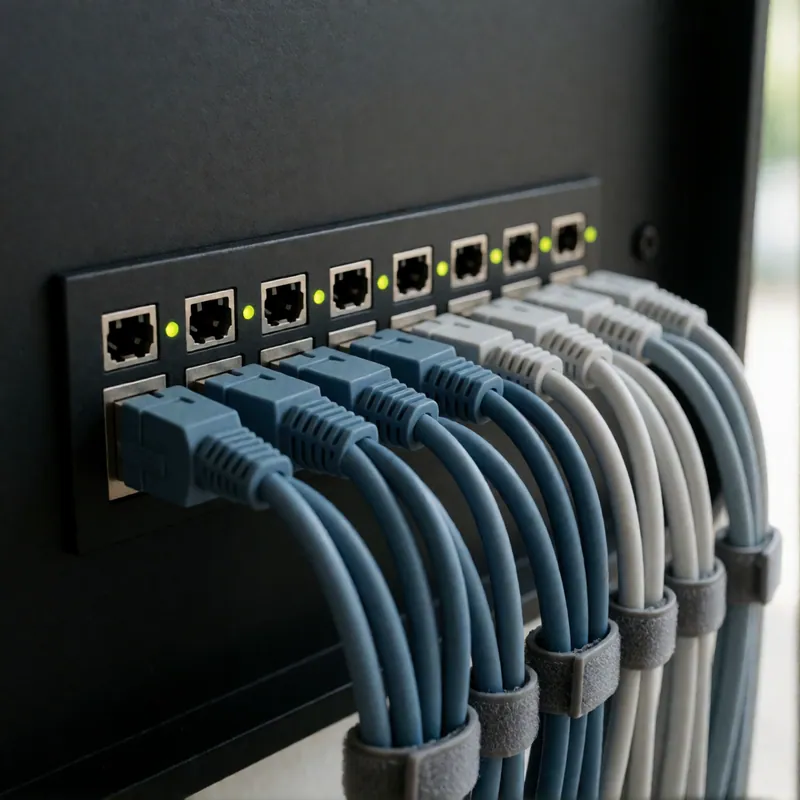
Close on slate-blue and pale gray cables plugged into a plain black faceplate, a small green light beside each port, the cables held with gray straps below.AI-generated illustration. Not a real office or business.

What Managed and Managed + Security include, and what Managed comes to

Managed

$155 a person a month, before tax on its protection line

The work: $135 a person a month, not taxed

  • Everything in Help Desk.
  • Visits to the office for the problems a plan covers, with no travel charge in bands A and B.
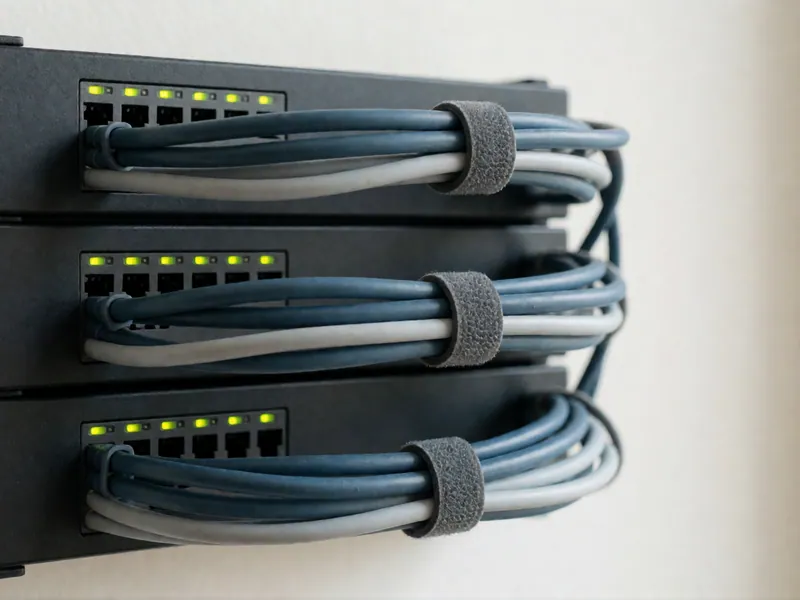
  • The firewall, the switches and the Wi-Fi looked after.
  • A backup of the cloud mailboxes and shared files, and a test of bringing files back every three months.
  • The second sign-in step set up and kept up for everyone.
  • A checklist done for every new starter and every leaver.
  • The calls to your internet company, your copier company and your software vendors.
  • A review meeting every three months.

The protection: $20 a person a month, taxed

  • The protective software on each work computer, and its alerts watched in office hours.

Managed + Security

$195 a person a month, before tax on its protection line

The work: $140 a person a month, not taxed

  • Everything in Managed.
  • Short security training for everyone, and the occasional practice e-mail.
  • E-mail filtering set up and kept up.
  • The technical facts your sector's own documents ask for, written up for you: the documents and the decisions stay yours.

The protection: $55 a person a month, taxed

  • Protective software that watches for attacks on each computer, and its alerts watched outside office hours as well, by a monitoring company a real agreement names.

Every plan is priced per person who uses a computer for work, however many computers, phones or tablets that person uses, and each plan is two lines on the bill: the work, and the protection.

So someone with a desktop, a laptop and a phone counts once, and a part-time receptionist who signs in to the shared computer counts too. The table gives the plan for every headcount band, from the bottom of the band to the top, with the sales tax on the protection line worked out.

The prices are published, and every office pays the same price for the same thing on every day; only a visit to an office in band C adds its travel charge. Where a price depends on how many people there are, it is printed as a range from the bottom of your headcount band to the top, both ends the same size. Plans are for offices of five to seventy-five people. An office of fewer than five pays for five; an office larger than seventy-five needs a bigger company than this one.
People who use a computer for workA month, before taxSales tax on the protection, 8.875%A month, with tax
One to four, billed as five$775$8.88$783.88
Five to nine$775 to $1,395$8.88 to $15.98$783.88 to $1,410.98
Ten to nineteen$1,550 to $2,945$17.75 to $33.73$1,567.75 to $2,978.73
Twenty to forty-nine$3,100 to $7,595$35.50 to $86.98$3,135.50 to $7,681.98
Fifty to seventy-five$7,750 to $11,625$88.75 to $133.13$7,838.75 to $11,758.13

Co-Managed is the plan for an office that already has an IT person of its own.

With your own IT person, the Co-Managed plan puts our management software and help desk behind them, and they stay in charge.

What sits outside the plan

Three things are kept off the monthly price on purpose, so the price can stay the same for everyone.

Software licenses belong to your business, so they are bought in its name and stay with it. Projects such as an office move, a new server or a move of everybody's e-mail have a beginning and an end, so each is priced on paper before anyone starts. And work outside office hours is booked ahead, at its own rate, because nobody sits on duty at night waiting to be sent.

Microsoft 365 and Google Workspace licenses are not in any plan. Your business buys them from Microsoft or Google in its own name, at their prices, and keeps them if it ever leaves us; we set them up and look after them.

A project, such as an office move or a move to Microsoft 365, is priced in writing before it starts, at $165 an hour, and the written price says which parts are taxed.

Work on the equipment itself, a server looked after and a desk phone set up are taxed as well.
The linePriceSales tax
Work booked ahead for outside office hours$245 an hourTaxed when the work is on equipment
Travel to an office in band C$95 a visitTaxed as the visit's own work is

The agreement, the hours, and changing IT companies

A plan is a written agreement for twelve months at a fixed fee per person. It does not renew by itself: a month before it ends we write to you, and it carries on only if you sign again. You can end it early with thirty days' written notice and no fee for leaving, and the bill follows your headcount from the next month.

The help desk answers from 8 am to 6 pm, Monday to Friday, by telephone, e-mail and a ticket form, and the technicians visit offices in the same hours. There is no night or weekend help desk; work outside those hours is booked ahead.

If you already have an IT company, changing is mostly a matter of doing things in the right order: the new company's access set up in accounts that belong to you, the documents and passwords handed over, the old company's tools taken off the computers, and its access closed on a date everybody knows. Onboarding covers all of it.

If you are happy with your IT company, keep it. If you are comparing, the handover of passwords, accounts and documents is part of onboarding, and the first conversation can walk through it.

Related services

The IT health check

Try the IT health check: ten questions about how your office works, the areas worth talking about and the plans at their published prices, in about two minutes. Sending it to us books nothing.