The journal
A backup nobody has restored is a hope, not a plan
Why the only way to know a backup works is to bring something back from it, what Microsoft 365 and Google Workspace do and do not keep, and what a test looks like.
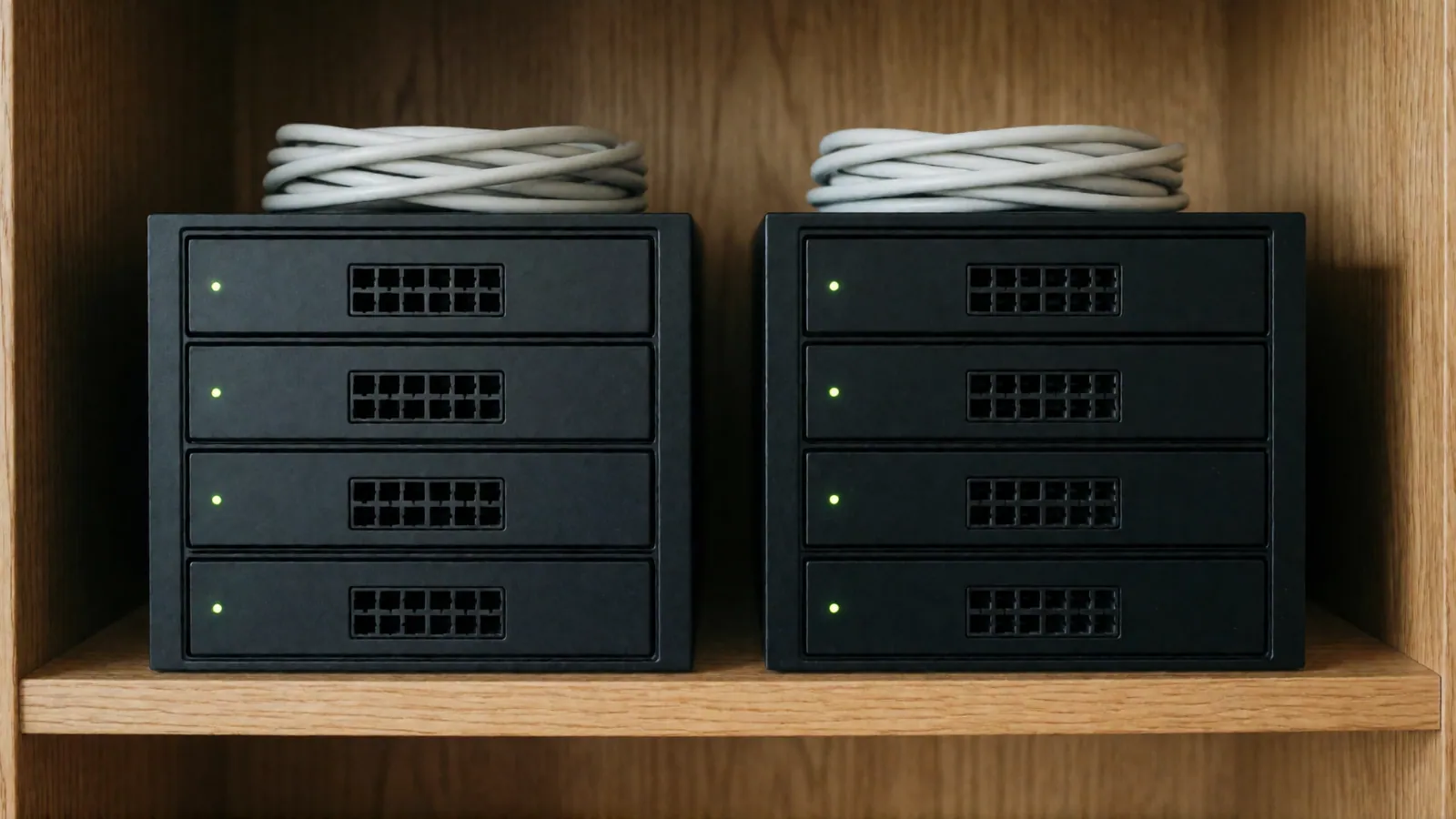
AI-generated illustration. Not a real office or business.
Copied is not the same as recoverable
A backup nobody has brought files back from is a hope, not a plan. What matters is where the work is copied, how far back the copies go, and whether anybody has tried getting something back.
Ask an office about its backup and there is usually an answer: a drive plugged into the server, a folder that copies itself to the cloud, a service the last IT company set up. What matters is whether anybody in the office remembers a morning when a file was needed back and came back. Until that has happened, the backup is a belief about a piece of software.
Backups fail quietly. A job stops after a password change, and nobody reads the e-mail that says so. A disk fills up, and the newest copies stop being made. A folder is moved, and the backup goes on copying the empty old location every night. The software reports on the parts it can still reach, and its reports look the same every day.
A folder that syncs is not a backup
Shared folders that sync between computers are made for working together, not for bringing things back. Delete a file on one computer and it disappears from all of them. If ransomware scrambles the files on one laptop, the scrambled versions sync to everybody else just as obediently as the good ones did.
Microsoft and Google run the services themselves; getting back something deleted months ago is your side of the arrangement, which is why a separate backup is worth talking about.
Their own recycle bins and version histories do reach back, but only so far, and they follow the same deletions and the same mistakes as everything else in the account. A separate backup sits somewhere the account itself cannot change.
Where, how often, how far back
Three plain questions describe any backup. Where is the work copied: to a box in the same closet, to a service in the cloud, or both? How often: every night, through the day, or whenever somebody remembers? And how far back do the copies go: if a spreadsheet was damaged weeks ago and nobody opened it until this morning, is there still a copy from before the damage?
Ransomware added a fourth. Could the computers in the office change or delete the copies? A backup that an ordinary office computer can reach can be scrambled along with everything else. The copies worth having are kept where the office's own accounts cannot alter them, for a set time, whatever happens on the computers.
What a test looks like
A test is undramatic. Choose a file somebody actually uses, from a date some time back, and bring it back to a different place, so nothing current is overwritten. Open it. Is it the version you expected, does it open at all, is anything missing? Then do the same with a whole mailbox, because mail is stored differently from files and goes wrong differently.
It is the first thing we would look at in an office's backups: “Bringing one file and one mailbox back, with you watching.” The point of doing it with somebody from the office watching is that the office then knows, rather than taking anyone's word for it. What came back, from when, and anything that did not come back is written down, and the next test starts from that note.
Then the question people skip: “What would happen on the morning a computer did not start.” A copy of the files is not the same as a person back at work. Somebody has to know what that computer ran, where its work lived and how a replacement gets set up, and the answer is better written down before that morning than worked out during it.
Backups and ransomware
When ransomware locks an office's files, the backup decides how bad the week is. That is why the copies have to be kept where an attack on the office computers cannot follow them, and why they have to have been tested before anybody needs them in a hurry.
The FBI does not support paying a ransom, and a payment to the wrong people can break federal sanctions rules whether or not anyone knew. We never negotiate with attackers or promise to get files back; we restore from your backups.
If something like that is happening as you read this, this article is the wrong page: the page on something happening right now says what this website can and cannot do.
What we do about it
On the Managed plans: “A backup of the cloud mailboxes and shared files, and a test of bringing files back every three months.” The first one happens during onboarding: “The first backup taken, and one file and one mailbox brought back from it with you watching.”
Yaretzi tests bringing files back before she calls a backup working. That is the whole standard: a backup is called working on the day something has been brought back from it, and not before.
The IT health check
Try the IT health check: ten questions about how your office works, the areas worth talking about and the plans at their published prices, in about two minutes. Sending it to us books nothing.