The first conversation costs nothing, and you don't have to sign anything after it.
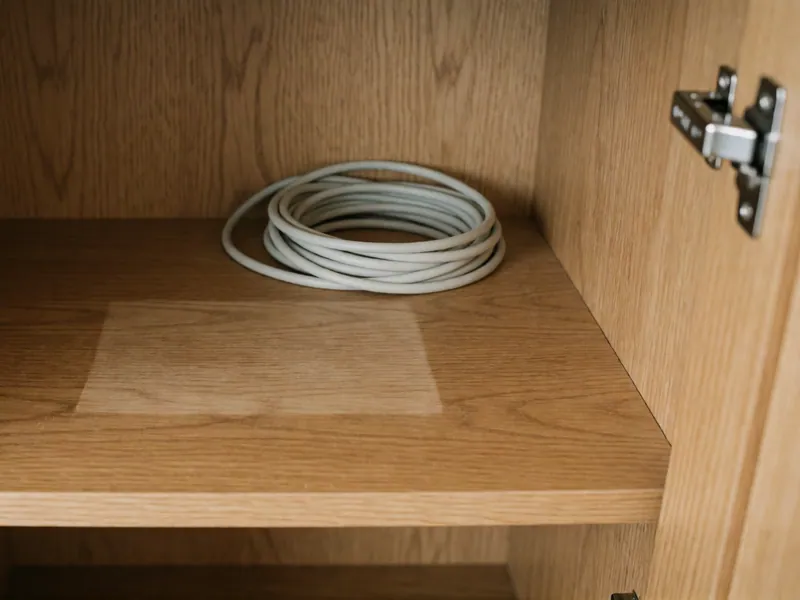
A small oak desk in the corner of a cream room: a black headset with a microphone resting on an open notebook, a cup on a saucer, a wooden chair, a white radiator under a sash window onto red brick and a tree.

Managed IT

A help desk that answers in office hours and writes down what fixed it

Telephone, e-mail and a ticket form, Monday to Friday in office hours, with the management software on each computer and visits by the hour.

  • $95 a person a month, before tax on its protection line
  • Monday to Friday, 8 am to 6 pm

AI-generated illustration. Not a real office or business.

How a problem reaches the help desk

There are three ways in: the telephone, e-mail and the ticket form. Each one becomes a ticket, which is simply a record with a number on it: who asked, what was wrong, what was tried and what fixed it. The ticket is what lets a problem pass from one person to another without anybody asking you to explain it twice.

The telephone suits whatever has stopped somebody working. E-mail and the form suit what can wait its turn: a new starter's printer, a shared folder someone needs opened up, a mailbox that keeps asking for its password.

Nobody has to describe their setup or know the right words. Say who you are, what you were trying to do and what happened instead; the help desk already knows which computer you sit at and what is on it, and asks the rest.

  • Office hours, said plainly.
  • Every fix written down.

The help desk answers from 8 am to 6 pm, Monday to Friday, by telephone, e-mail and a ticket form, and the technicians visit offices in the same hours. There is no night or weekend help desk; work outside those hours is booked ahead.

E-mail and the ticket form are read in office hours: on the day they arrive if they arrive while the help desk is open, otherwise on the next day it opens.

What happens at the other end

Most fixes are done over a remote connection. The help desk sends a request, a box appears on your screen, and nothing is seen or touched until you accept it; when the session ends, the connection closes.

Because the management software is already on each work computer, the help desk can usually see which updates are missing, how full the disk is and whether the protective software is running, without asking you to read anything off the screen.

Whatever fixed the problem goes into the ticket and, when it looks likely to come back, into the notes kept for your office. The second time it turns up, the answer is already written down, and a problem that keeps coming back is raised as something to fix properly rather than patched again.

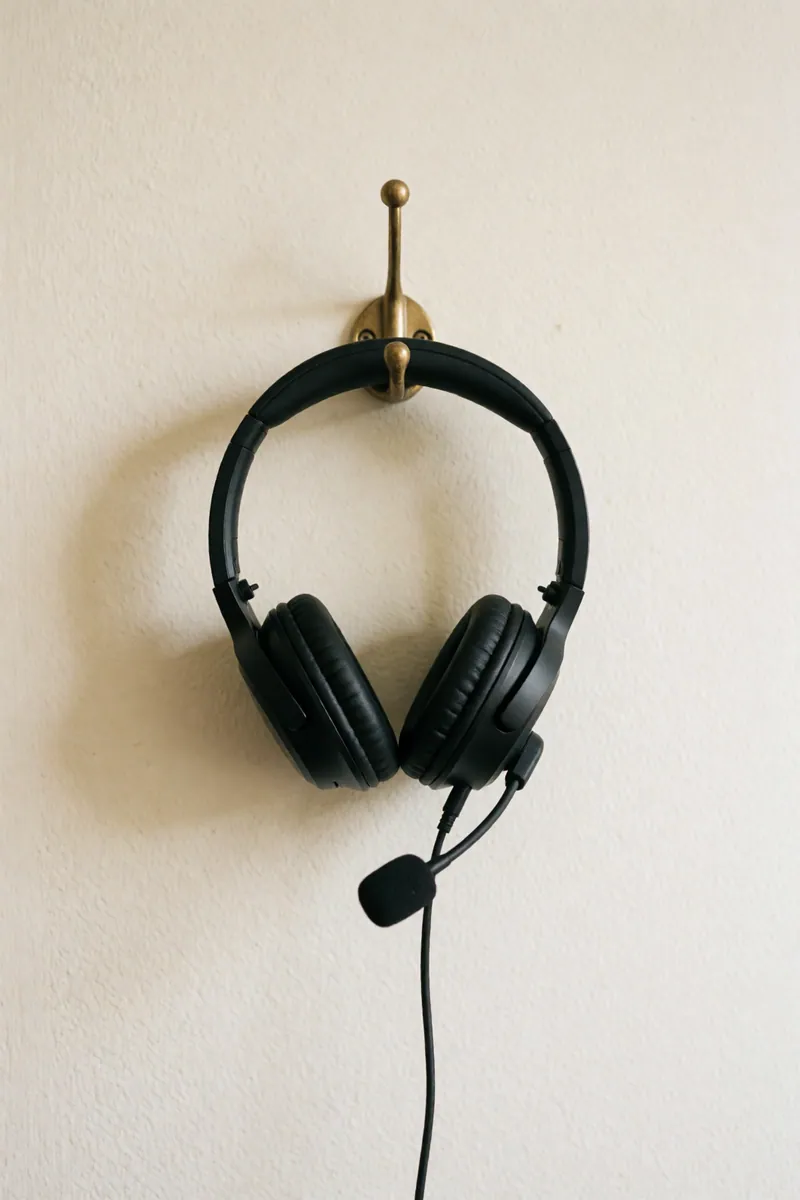
A black headset with a microphone hanging from a brass double hook on a cream plaster wall.AI-generated illustration. Not a real office or business.

Tobias Mwangi-Hartley

Help desk lead

Answers the help desk and keeps every ticket moving.

Tobias writes down what fixed a problem, so nobody fixes it twice from scratch.

Tobias calls back every enquiry by the end of the next day the office is open.

The picture is a still of this person's desk or tools, not a portrait.
Passwords, and how the help desk knows it is you

Forgotten passwords and lost phones are everyday calls. Resetting a password is easy; knowing who is asking is the part that matters, because a confident caller asking for a new password is one of the oldest ways into an office. So a reset is confirmed through something already on file, such as a call back to the person's own number, and the new password is chosen by the person, not read out to them.

When a phone that carries the sign-in prompts goes missing, the spare way in that was set up with the second sign-in step gets the person working again, and the lost phone is taken off their account.

Nobody from this company will ask you for a password by e-mail, by telephone or through this website, and the health check never asks for one. During onboarding, administrator access is set up with you at the keyboard, in accounts that are yours.

What the help desk is not

It is a daytime service for the problems of an ordinary working day. It is not an emergency line: if files are locked, money has gone to a fake invoice or a mailbox is sending messages nobody wrote, the page on something happening right now says what to do first, and getting the office running again is work the help desk picks up when it opens.

Work that cannot happen while people are working, such as replacing a server, is booked ahead for outside office hours at its own rate.

The help desk is closed on Saturdays and Sundays and on the federal holidays: New Year's Day, Martin Luther King Jr. Day, Washington's Birthday, Memorial Day, Juneteenth, Independence Day, Labor Day, Columbus Day, Veterans Day, Thanksgiving and Christmas Day, and the day any of them is observed.

There is no response time in minutes, no uptime percentage and no service-level agreement on this site. A real agreement may set response targets and what happens when one is missed; this company has no clients and no record to measure against, so it publishes none.

The plan, and what it leaves out

Help Desk

$95 a person a month, before tax on its protection line

The work: $80 a person a month, not taxed

  • The help desk in office hours, by telephone, e-mail and a ticket form.
  • The management software on each work computer, with updates on a schedule and a check that they ran.
  • People added and removed in Microsoft 365 or Google Workspace, and help with passwords and sign-in.
  • Visits to the office by the hour, when a problem needs one.

The protection: $15 a person a month, taxed

  • The protective software on each work computer, kept up to date.

Managed

$155 a person a month, before tax on its protection line

The work: $135 a person a month, not taxed

  • Everything in Help Desk.
  • Visits to the office for the problems a plan covers, with no travel charge in bands A and B.
  • The firewall, the switches and the Wi-Fi looked after.
  • A backup of the cloud mailboxes and shared files, and a test of bringing files back every three months.
  • The second sign-in step set up and kept up for everyone.
  • A checklist done for every new starter and every leaver.
  • The calls to your internet company, your copier company and your software vendors.
  • A review meeting every three months.

The protection: $20 a person a month, taxed

  • The protective software on each work computer, and its alerts watched in office hours.

Help Desk is the help desk and the management software on each computer, with visits to the office charged by the hour. Managed adds the visits the plan covers, the network, the tested backups and the second sign-in step for everyone; an office that has nobody looking after those usually wants the second.

Work on the equipment itself, a server looked after and a desk phone set up are taxed as well.
The linePriceSales tax
A visit to the office on the Help Desk plan, an hour at the least$165 an hourTaxed when the work is on equipment
Work booked ahead for outside office hours$245 an hourTaxed when the work is on equipment

Related services

The IT health check

Try the IT health check: ten questions about how your office works, the areas worth talking about and the plans at their published prices, in about two minutes. Sending it to us books nothing.