
The first conversation costs nothing, and you don't have to sign anything after it.
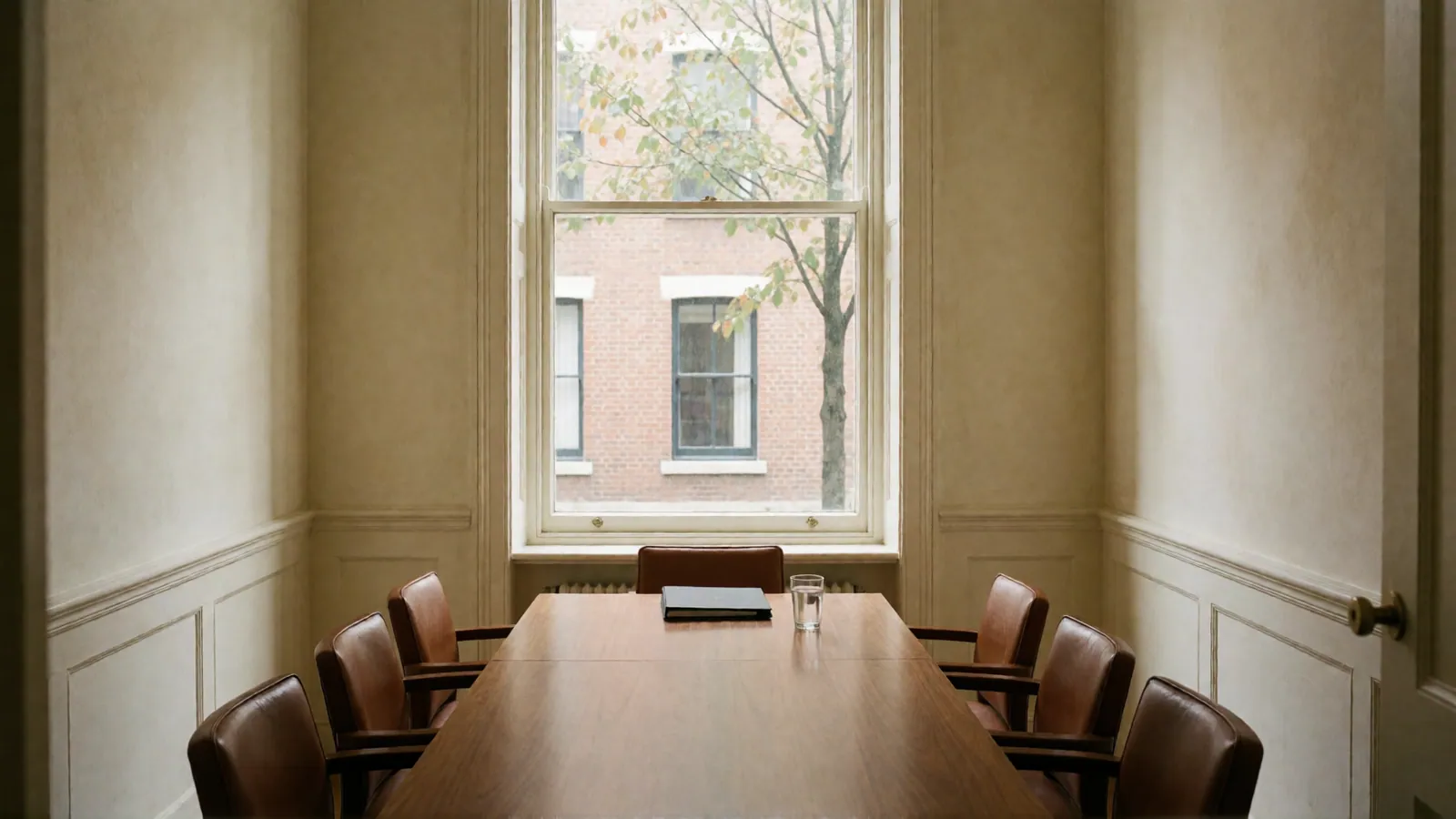
A small conference room: a long walnut table with brown leather chairs, a closed black folder and a glass of water at the head, cream walls with wainscoting, a tall sash window onto a brick building and a tree.

Your sector

IT for law offices, with confidentiality treated as your duty and our safeguards explained

Client files, mailboxes and devices looked after for a small law office, with our safeguards explained so you can judge them against your own duties.

  • Every plan; written up on Managed + Security
  • Your duties, supported, never discharged.

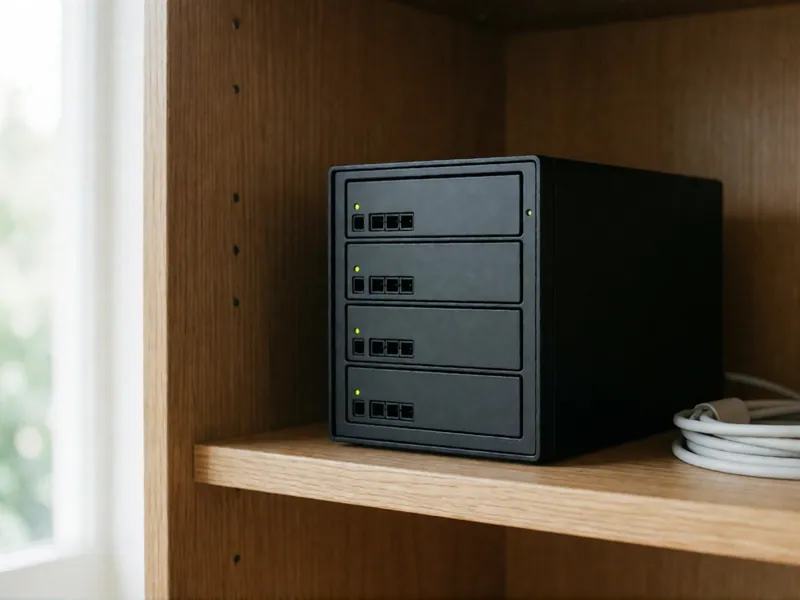
AI-generated illustration. Not a real office or business.

Whose duties these are

New York's ethics rules ask lawyers to take reasonable steps to keep client information confidential and to supervise the outside people they use, including their IT company. We explain our safeguards and support yours; whether your arrangements meet your duties is a question for you and your ethics counsel.

A law office's duty to keep client information confidential belongs to its lawyers, and it reaches the outside people they rely on, including the IT company. That makes the IT company something the firm has to be able to understand and supervise, which is easier when the IT company explains itself first.

  • Safeguards you can ask about.
  • No ethics advice.

What we look after in a law office

Client files are arranged so that access follows the matter: the people working on a file can open it, and a matter behind an ethical wall can be closed to everybody else. Mailboxes get the second sign-in step, and filtering on the plan that includes it, because a lawyer's mailbox holds exactly what an attacker wants.

Payment instructions get a rule of their own. Closings and settlements move money on the strength of e-mails, so a message that changes bank details is confirmed by telephone, on a number the office already had, before anything is sent.

Laptops are encrypted, phones that carry client e-mail can be wiped if they are lost, and when someone leaves the firm their access is closed on their last day and their mailbox handed to whoever takes over their files. The practice management and document software belongs to its vendor; we keep the computers it runs on in order and make the calls to the vendor when something breaks.

A closed dark notebook with a ribbon marker and a cup of coffee on an oak desk by a window.AI-generated illustration. Not a real office or business.

Rosalind Achebe-Lindqvist

Owner, first conversations and reviews

Runs the company, has the first conversations and holds the review meetings.

Rosalind asks what the office does all day before she asks what it runs.

Rosalind writes the plan's price down before the conversation ends.

The picture is a still of this person's desk or tools, not a portrait.
Courtrooms, kitchens and the copier

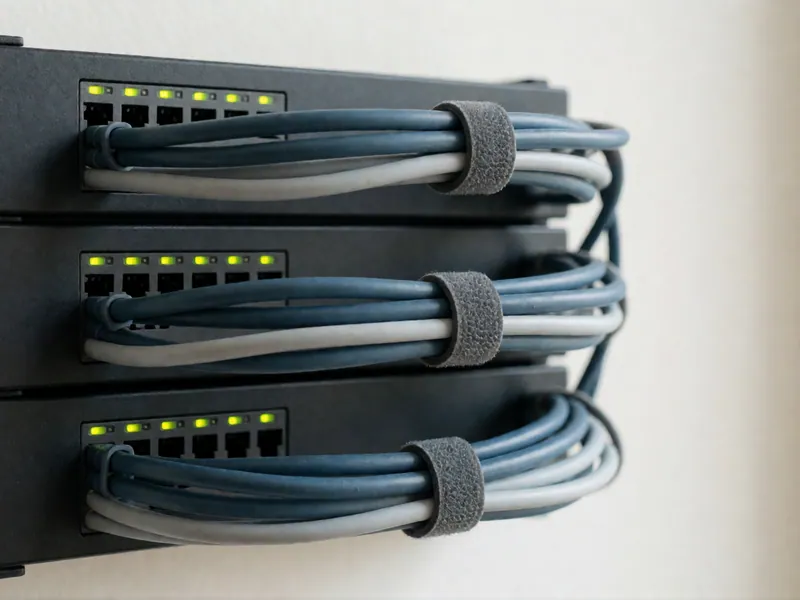
Lawyers work from courthouses, clients' offices and their own kitchens. Laptops reach the firm's files through the second sign-in step, and a phone's own hotspot is a better choice than a waiting room's public Wi-Fi.

The copier deserves a thought too. Many office copiers keep a copy of what they scan and print on a disk inside them, so when a lease ends the disk is wiped or kept, and the record says which, before the machine goes back.

Our safeguards, explained

New York's rules for lawyers and the State Bar's guidance put the firm in the position of asking its IT company questions. The answers should be plain: who at the company can reach the firm's systems, how they sign in themselves, where any copy of the firm's information is kept, how the company finds out about a problem and how soon it tells you, and what it hands back when the work ends.

Those answers belong in the written agreement. A real IT company can put them in writing; this demonstration company signs nothing, so nothing on this page is an agreement anyone can rely on.

New York's data security law tells a business to choose IT providers able to protect its information and to require that in the contract, so a real IT company's agreement says what it protects, how, and how quickly it reports an incident to you.

Where this page stops

Whether an arrangement meets a lawyer's duties is a question for the lawyer and the firm's ethics counsel. This page describes the technical side and stops there.

New York's SHIELD Act puts the duty to protect customers' and employees' private information on the business that holds it, scaled to its size, and tells it to choose IT providers that can protect it and to require that by contract. A provider that keeps the information has its own duty: to tell the business about a breach immediately, and within thirty days at the latest.

On which plan

Every plan looks after a law office's computers. The second sign-in step, the tested backups and the network described on this page are the work of Managed and Managed + Security; e-mail filtering and training are part of Managed + Security, and so is writing up the technical facts, in the plan's own words:

  • The technical facts your sector's own documents ask for, written up for you: the documents and the decisions stay yours.

A worked example

What the IT health check gives back for a law office with e-mail from its web host, computed from its answers.

A worked example: an IT health check summary

A law office with e-mail from its web host Seven people at a law office in Midtown Manhattan

The ten answers behind it
Before anything else: is something wrong right now?
No. This is a check-up
How many people in the business use a computer for work?
Five to nine
What kind of office is it?
A law office
Where is the office?
Manhattan below 96th Street, or elsewhere in Brooklyn
Where do the work e-mail and shared files live?
An e-mail account that came with the website or the internet service
If a computer stopped working tonight, would its work also be somewhere else?
Work lives on the computers themselves
When someone signs in to work e-mail on a new phone or computer, is there a second step, such as a code or a prompt on a phone?
No
Who makes sure the work computers get their updates?
Each person looks after their own
When something breaks, who do people call?
Someone on staff who's good with computers
What is coming up, or bothering people most?
Nothing in particular

Nobody has looked at your computers, so the check found nothing. It sorted your answers into a few things worth talking about.

Areas to talk about

In the order your own answers put them. Each is a subject for a first conversation, not a finding.

  • Backups you have tried

    A backup nobody has brought files back from is a hope, not a plan. What matters is where the work is copied, how far back the copies go, and whether anybody has tried getting something back.

    What we would look at first

    • Where your work is copied, how often, and how far back it goes.
    • Bringing one file and one mailbox back, with you watching.
    • What would happen on the morning a computer did not start.
  • How people sign in

    A second step at sign-in, a code or a prompt on a phone, means a stolen password alone does not open an account. The work is in adding it without locking anybody out.

    What we would look at first

    • How each person signs in today, and where a second step is already on.
    • Which phones the prompts would go to, and the spare way in when a phone is lost.
    • Older ways of signing in that skip the second step.
  • E-mail and payment requests

    E-mail is where fake invoices and "please change our bank details" messages arrive, and a work mailbox is itself something an attacker wants.

    What we would look at first

    • Where the mailboxes live, and who can reach them.
    • How a change to payment details is confirmed by telephone before money moves.
    • Moving off an account that came with the website, or off personal addresses, if that is where work lives.

The plans, at our published prices, for your headcount

A month, from the bottom of your headcount band to the top. Each plan is two lines: the work, which is not taxed, and the protection, which is.

Help Desk$95 a person a month

  • The work$400 to $720
  • The protection$75 to $135
  • Sales tax on the protection, 8.875%$6.66 to $11.98
  • A month, with tax$481.66 to $866.98

None of the areas above.

Managed$155 a person a month

  • The work$675 to $1,215
  • The protection$100 to $180
  • Sales tax on the protection, 8.875%$8.88 to $15.98
  • A month, with tax$783.88 to $1,410.98

Reaches the areas above: Backups you have tried; How people sign in.

Managed + Security$195 a person a month

  • The work$700 to $1,260
  • The protection$275 to $495
  • Sales tax on the protection, 8.875%$24.41 to $43.93
  • A month, with tax$999.41 to $1,798.93

Reaches the areas above: Backups you have tried; How people sign in; E-mail and payment requests.

  • Onboarding, once, not taxed$750 to $1,350

Notes from your answers

  • Your office is in band C, so each visit carries a travel charge of $95 on any plan; most help desk work is done remotely and carries none.

This summary is based only on your answers. It isn't an audit, a risk analysis or a compliance check, and it can't tell you whether you meet HIPAA, the SHIELD Act, Part 500 or the FTC Safeguards Rule.

Related services

The IT health check

Try the IT health check: ten questions about how your office works, the areas worth talking about and the plans at their published prices, in about two minutes. Sending it to us books nothing.