The first conversation costs nothing, and you don't have to sign anything after it.
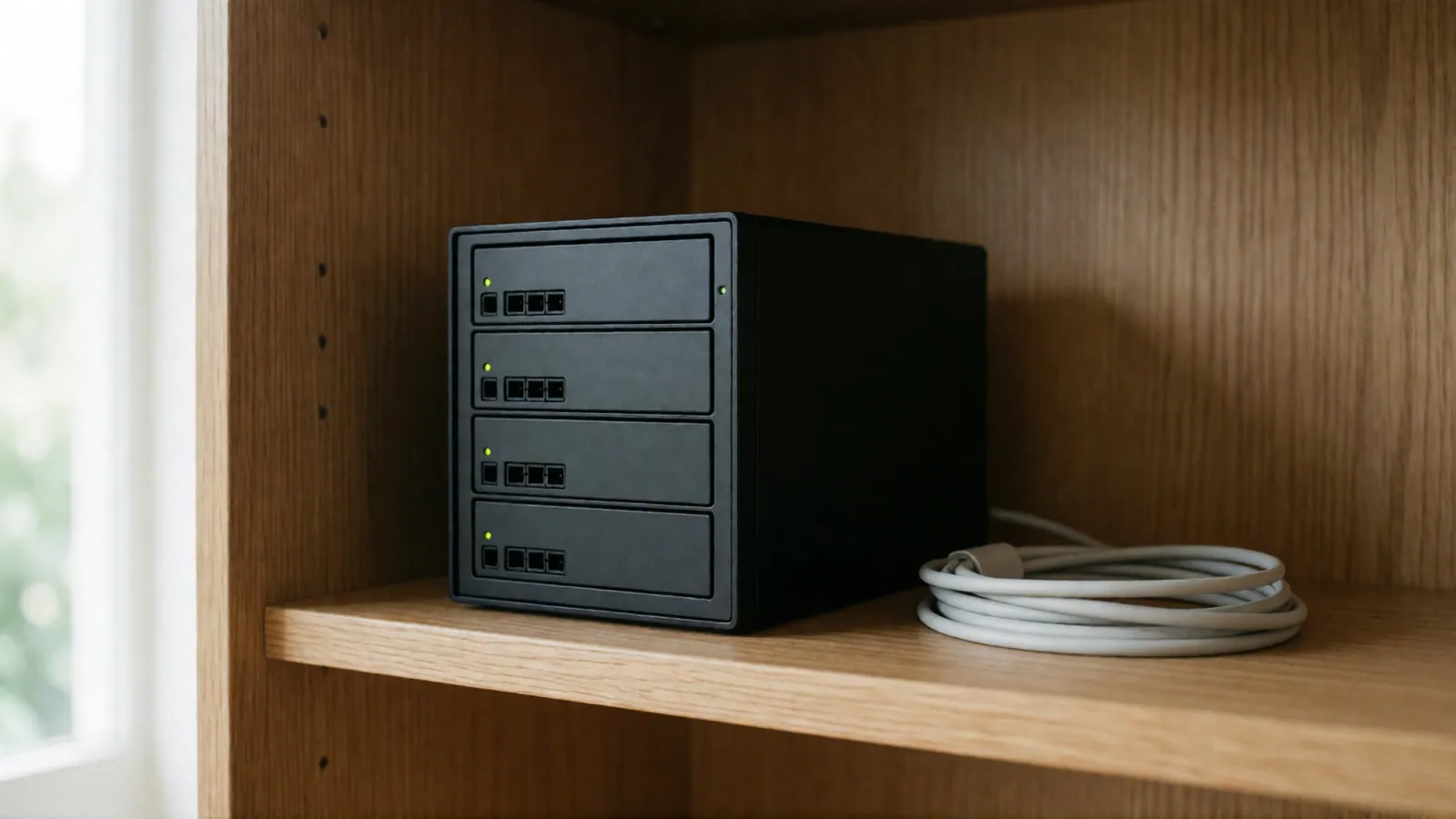
A plain black storage box with four bays and a small green light on each, standing on an oak shelf beside a coiled gray cable, window light from the left.

Security and backup

Backups that have been tested by bringing files back

The cloud mailboxes and shared files copied somewhere else, and a test of bringing them back every three months, with what came back written down.

  • $155 a person a month, before tax on its protection line
  • On Managed and Managed + Security

AI-generated illustration. Not a real office or business.

What a backup is for

A backup has one job: on a bad day, to give back what was lost. A file deleted by accident and missed much later, a mailbox emptied by someone on their way out, a folder scrambled by harmful software, a laptop left in a cab: each is a different kind of loss, and a backup worth having copes with all of them.

That is why a copy is not automatically a backup. Files that sync between computers and the cloud are copied faithfully, mistakes included: delete or scramble a file on one computer and the change arrives everywhere else. A backup keeps older versions, sits outside the account it copies, and cannot be emptied by the people who use that account every day.

  • Tested every three months.
  • A server's backup priced on its own line.

Backups you have tried

A backup nobody has brought files back from is a hope, not a plan. What matters is where the work is copied, how far back the copies go, and whether anybody has tried getting something back.

Microsoft and Google run the services themselves; getting back something deleted months ago is your side of the arrangement, which is why a separate backup is worth talking about.

What we would look at first

  • Where your work is copied, how often, and how far back it goes.
  • Bringing one file and one mailbox back, with you watching.
  • What would happen on the morning a computer did not start.

What is copied, and where it goes

On Managed and Managed + Security, the backup covers the cloud mailboxes and the shared files: what lives in Microsoft 365 or Google Workspace. It is copied to a separate backup service, outside your account, so a deleted user, a misused administrator account or a wrong setting does not take the copies with it.

Work that lives only on a computer's own disk is the usual gap. Part of onboarding is finding it and moving it into the shared files, where it is copied with everything else, instead of backing up each desk on its own.

How far back the copies go is decided with you and written down, and so is what happens to a leaver's mailbox, which is often the thing somebody needs months later.

Three stacked rolls of gray strap and a roll of white tape on an oak desk against a cream wall.AI-generated illustration. Not a real office or business.

Yaretzi Bloom-Adeyinka

Onboarding and projects

Runs the first weeks with a new office, and every move and migration.

Yaretzi writes down what an office has before anything is changed.

Yaretzi tests bringing files back before she calls a backup working.

The picture is a still of this person's desk or tools, not a portrait.

The test, every three months

A backup is known to work only when something has been brought back from it. So every three months a file and a mailbox are restored, chosen differently each time, with someone from your office watching if they would like to. What came back, how long it took and anything that did not come back are written down, and the note goes to the review meeting.

The first test happens during onboarding, before the backup is called working. A test that fails is worth having: the gap was found on an ordinary afternoon instead of on the morning it mattered.

The morning a computer does not start

Recovery is more than files. When a computer dies, the person at it needs a working machine, their files and their programs. With the work in the shared files and each computer set up through the management software, a replacement is mostly a matter of signing in; the slow part is usually getting the machine itself, which is one reason old computers are worth replacing before they fail.

A lost or stolen laptop is the same question with one more step. Its work is already in the shared files, so nothing has to be recovered from it; what matters is that its disk was encrypted and that the person's accounts are signed out of it and their passwords changed before anyone else can try them.

Computers their makers no longer update are worth replacing first; we can say which ones, and you buy them where you like.

A server or a storage box at the office

Some offices keep their files on a server or a storage box in the closet. That box needs a backup of its own, with a copy that leaves the building, because a fire, a flood or a burst pipe takes the box and anything stored beside it. It is looked after on its own line, and backup space beyond what that line includes is priced by the terabyte.

Many offices with a server find, when they look at it, that the shared files would be better off in the cloud. That move is a project, priced in writing first.

Work on the equipment itself, a server looked after and a desk phone set up are taxed as well.
The linePriceSales tax
A server or storage box at the office: watched, updated and backed up$175 a monthTaxed
Each terabyte of a server's backup beyond the first$30 a monthNot taxed

When files are held for ransom

When harmful software scrambles an office's files and demands money for them, the answer here is the restore.

The FBI does not support paying a ransom, and a payment to the wrong people can break federal sanctions rules whether or not anyone knew. We never negotiate with attackers or promise to get files back; we restore from your backups.

Related services

The IT health check

Try the IT health check: ten questions about how your office works, the areas worth talking about and the plans at their published prices, in about two minutes. Sending it to us books nothing.